
What Is Phishing and How to Avoid It
Imagine getting a text message that looks exactly like it's from your bank: "Suspicious login detected on your account. Verify now to avoid suspension." There's a link. Your heart rate picks up. You tap it, the page looks just like your bank's login screen, you type your username and password — and at that moment, you've handed your account to a criminal. That entire sequence, from the alarming message to the fake login page, is phishing.
Phishing is the most successful cybercrime technique in the world, not because the technology is sophisticated, but because the psychology is. It doesn't hack your computer — it hacks your reactions: fear, urgency, curiosity, trust. In this guide, I'll explain exactly how phishing works, walk through the most common types with realistic examples, show you the red flags that give scams away, and give you a practical defense routine that takes minutes to set up.
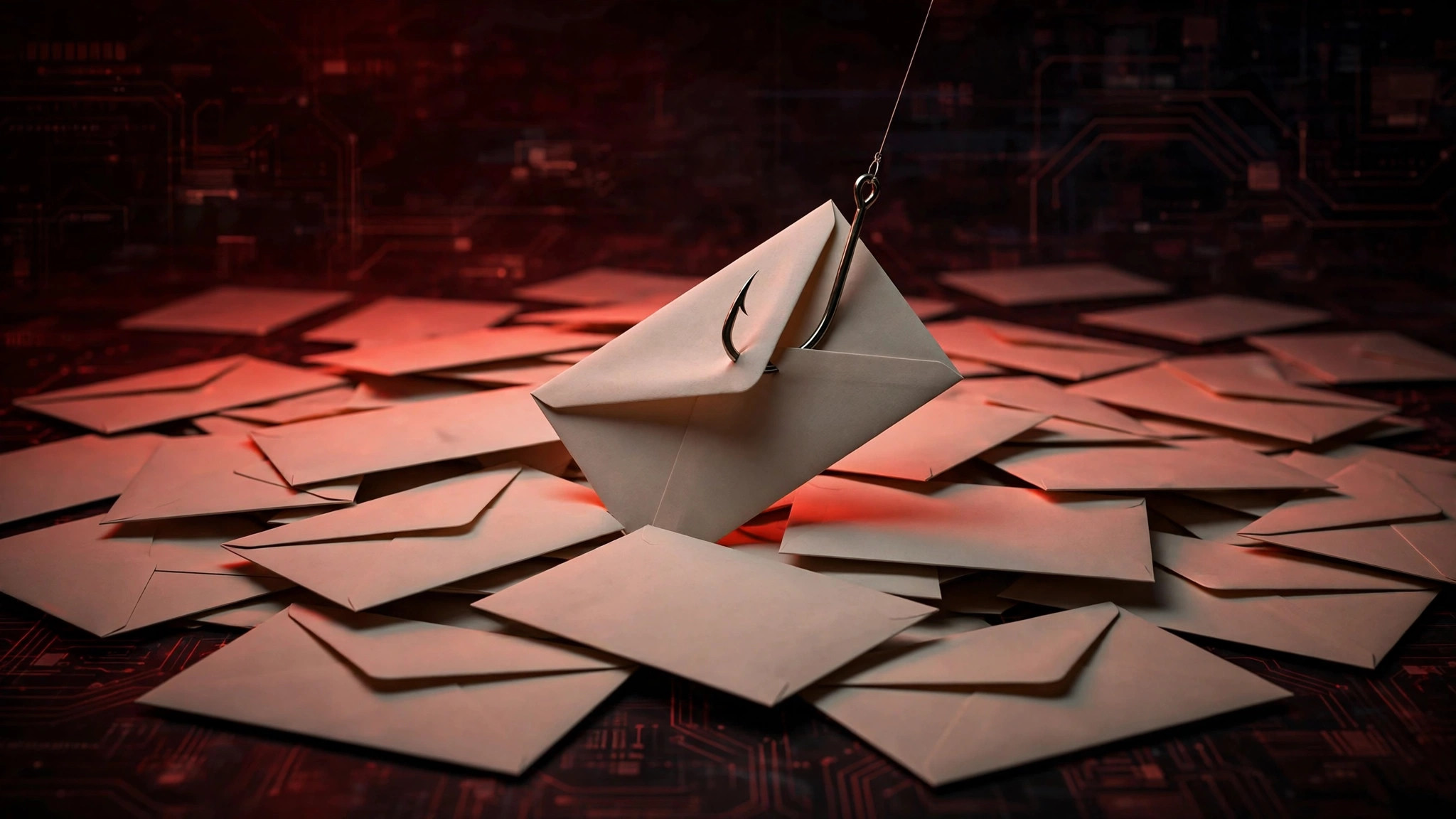
Phishing, Simply Explained
The name is a play on "fishing": the attacker casts a wide net of fake messages and waits for someone to bite. A phishing attack always has three parts:
- The lure — a message pretending to be from someone you trust: your bank, a delivery company, your boss, a government office.
- The hook — an emotional trigger that makes you act fast: urgency ("account suspended in 24 hours"), fear ("unauthorized transaction"), greed ("you've won"), or authority ("your manager needs this now").
- The catch — a fake link or attachment that steals your login credentials, installs malware, or tricks you into sending money or gift cards.
Why does it work so well? Because the messages arrive in the same inbox as real ones, often look professionally designed, and strike when you're distracted — during a busy workday, late at night, or while traveling. Studies consistently find that a meaningful percentage of people click phishing links even in companies that train against them. It's not a stupidity problem; it's a design problem. The scams are engineered to bypass careful thinking.
The 6 Most Common Types of Phishing
1. Email phishing (the classic)
The bulk-sent fake email. Realistic example: you get an email with your bank's logo saying a large transfer was initiated from your account and you must "cancel it here" via the link. The link goes to a lookalike login page. Variations impersonate tax authorities ("refund waiting"), streaming services ("payment failed, update your card"), and online marketplaces ("your order couldn't be delivered").
2. Smishing (SMS phishing)
Phishing by text message. Realistic example: "POST: Your package is held at the depot. Pay the $2.30 customs fee to release it: [link]." You weren't expecting a package, but the message creates just enough doubt. These exploded in popularity because people trust text messages more than email — and phone screens hide the full web address, making fake links harder to inspect.
3. Vishing (voice phishing)
Phone calls from fake officials. Realistic example: someone calls claiming to be from your bank's fraud department, says your card was used fraudulently, and asks you to "verify" your card number and the code from a text they just sent you. That code is actually your bank's real two-factor code — they're logging in as you while you're on the phone. Banks will never ask for codes sent to your phone. Ever.
4. Spear phishing (targeted)
Instead of blasting thousands of messages, the attacker researches one person. Realistic example: an employee gets an email that appears to be from their company's CEO — correct name, correct job titles, referencing a real ongoing project — asking them to urgently wire payment to a "new vendor." Because the details are right, the usual skepticism doesn't kick in. This is how companies lose millions in single attacks.
5. Clone phishing
The attacker copies a legitimate email you actually received — say, a real delivery notification — and resends it with the links swapped for malicious ones. Because you recognize the content ("yes, I did order that"), your guard is down.
6. QR code phishing ("quishing")
A newer trick: fake QR codes stuck over real ones on parking meters, restaurant tables, or in emailed "invoices." You scan, land on a fake payment or login page, and type in your details. Your phone's camera won't warn you — always check the URL your browser shows after scanning before entering anything.
7 Red Flags That Reveal a Phishing Attempt
You don't need security software to spot most phishing — you need a checklist. Before clicking any link or responding to an urgent message, check:
- Urgency and threats. "Act within 24 hours or your account will be closed." Legitimate companies rarely threaten you by email. Urgency is the attacker's best tool because it stops you from thinking.
- The sender's actual address. On email, look past the display name — "Bank Support" might be support@bank-secure-verify.com instead of your bank's real domain. On a phone, long-press or preview the link before tapping.
- Generic greetings. "Dear customer" instead of your name. Your real bank knows your name.
- Links that don't match. Hover over a link (don't click) to see the real destination. If the email claims to be from paypal.com but the link points to paypal-secure-login.net, it's fake. Watch for misspellings like micorsoft or extra words like apple-support-desk.com.
- Unexpected attachments. An "invoice" or "receipt" you didn't ask for, especially .zip, .html, or Office files with macros — don't open it.
- Requests for sensitive info. No legitimate company asks for your password, full card number, or verification codes by email, text, or phone call.
- Too-good-to-be-true offers. Surprise lottery wins, inheritance notices, and crypto "doubling" schemes are always scams.
What to Do If You Already Clicked
It happens to careful people too. Speed matters now:
- Disconnect and don't enter anything further. If a page is asking for credentials, close it. If you downloaded a file, don't open it — delete it.
- Change your password immediately — on the real site, typed directly into your browser (not via any link in the suspicious message). Start with your email account, since it can reset everything else.
- Turn on two-factor authentication on the affected accounts if it wasn't on. Use an authenticator app (Google Authenticator, Microsoft Authenticator) rather than SMS codes when possible.
- Check for damage: review recent logins and transactions on the account. Most banks and email providers have a "recent activity" or "sessions" page in settings.
- If you entered card details, call your bank's real number (from the back of your card, not the message) and ask them to monitor or replace the card.
- Report it: forward phishing emails to your provider's abuse address (e.g., reportphishing@apwg.org), report texts as spam, and tell anyone else who might have received the same message.
How to Protect Yourself: The Practical Routine
- Enable two-factor authentication everywhere important — email, banking, social media. Even if someone steals your password, they can't log in without the second factor. This single step defeats the vast majority of phishing.
- Use a password manager (Bitwarden and Apple's iCloud Keychain are free). Bonus: password managers won't autofill your credentials on a fake lookalike site, which silently warns you something is wrong.
- Verify through a separate channel. Got an urgent request from your "boss" or "bank"? Don't reply to the message — call the known number or open the official app directly. Thirty seconds of verification kills nearly every scam.
- Keep software updated. Browsers like Chrome and Edge maintain blocklists of known phishing sites and will warn you before a fake page loads — but only if you're updated.
- Be extra skeptical of QR codes in public places and links in unexpected texts. When in doubt, navigate to the service manually instead of following the provided link.
Frequently Asked Questions
Can phishing infect my phone just by opening a text?
Simply receiving or opening a text message is not dangerous — the harm comes from tapping the link or calling the number inside it. Preview links before tapping, and never enter personal information on a page you reached from an unexpected message.
What's the difference between phishing, spam, and hacking?
Spam is unwanted bulk messaging (annoying but usually not criminal). Phishing is deception aimed at stealing credentials or money. Hacking is technically breaking into systems. Phishing is often the first step that enables hacking — stolen passwords are how most "hacks" of personal accounts actually happen.
My bank really does send me texts. How do I tell real from fake?
Real bank messages never include links asking you to log in, and never ask for codes, passwords, or card numbers. The safest habit: ignore the message entirely and check your account by opening the bank's official app yourself. If something truly needs attention, it will be there.
Is reporting phishing actually useful?
Yes. Email providers and browsers use reports to update their blocklists, which protects everyone else within hours. Forward phishing emails to reportphishing@apwg.org and use the "Report spam/phishing" option in Gmail, Outlook, or Apple Mail.